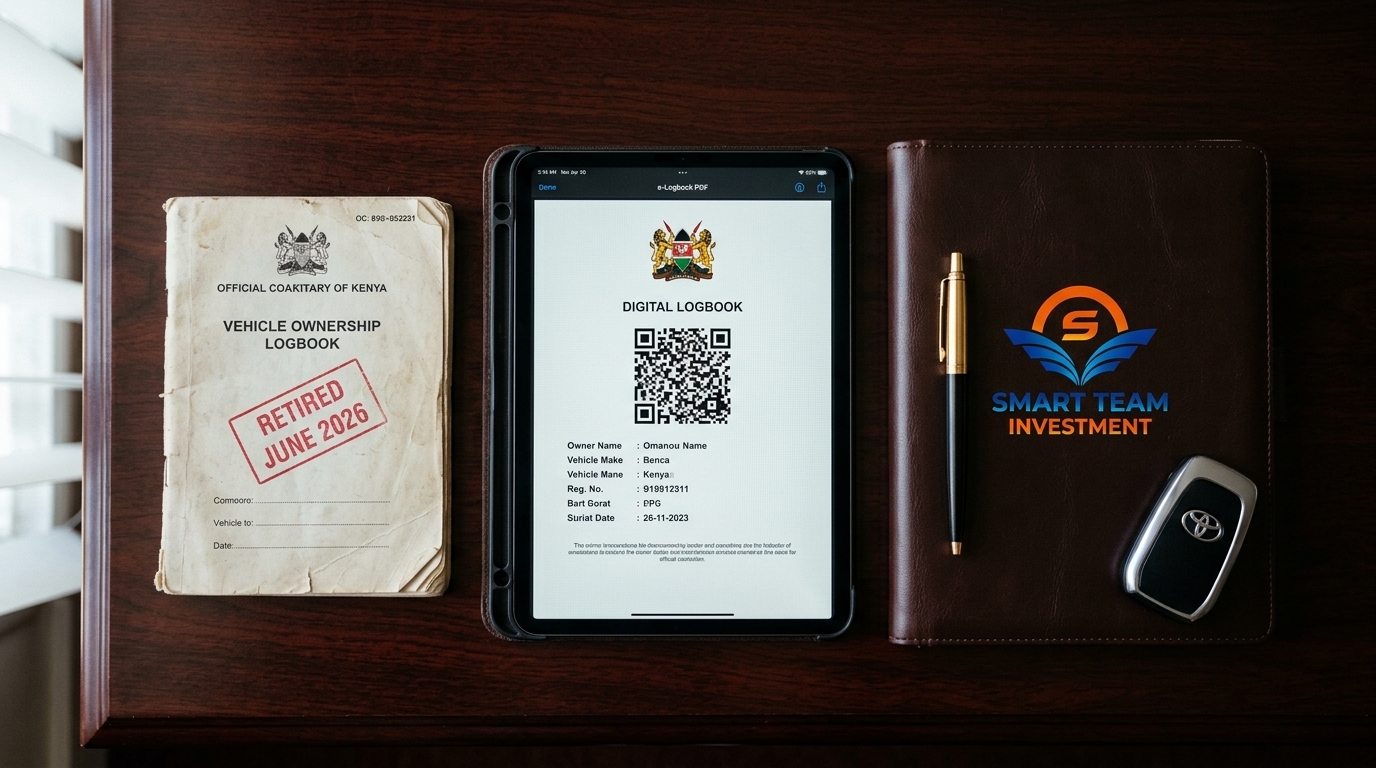
The "Transferred" Car That Wasn't: A Story From the MPSR Window
> Quick Answer: Transferring car ownership in Kenya in 2026 happens digitally on NTSA's service portal on eCitizen. The registered seller initiates the transfer from their own NTSA account, the buyer accepts it from theirs, both confirm the sale agreement details, the transfer fee is paid online, and NTSA approves — reflecting the new owner's details in the e-Logbook — NTSA publishes no service-level target; secondary TIMS guides suggest roughly three working days, but that is guidance rather than a guarantee. Neither party can complete the transfer alone, a paper-only "new" logbook is not valid, and if the seller's account does not match the Copy of Records, the transfer cannot begin. Do not pay any money on the strength of a handshake.
A client once drove home in "his" new car after paying the full asking price in cash. The seller had handed over a paper logbook, a stamped sale agreement, and a cheerful promise to "sort the transfer next week."
Three weeks later, our client's mechanic asked for the vehicle's records. They called NTSA. No transfer request existed. They called the seller — phone number dead. The car was still registered to a stranger who had vanished with the cash.
The paper logbook, the agreement, and the handshake transferred precisely nothing. Ownership in Kenya is digital, and digital means an NTSA transfer on eCitizen — with the registered seller initiating from their own account. Nothing else counts.
This guide gives you the complete path on both sides:
1. Setting up the NTSA accounts both parties need. 2. How the seller initiates the transfer correctly. 3. How the buyer accepts without falling for add-on fees. 4. What the approval timeline actually is (and what NTSA does not promise). 5. Getting the physical logbook or relying on the digital record.
The Digital Transfer at a Glance
Before the step-by-step, here is the complete landscape — so you know what "done" actually means.
### NTSA eCitizen Transfer — Snapshot
| Question | Answer for 2026 |
|---|---|
| Where it happens | NTSA Service Portal (New) on eCitizen |
| Who must act | Seller initiates; buyer accepts; both on their own accounts |
| What moves | Ownership reflected in the digital e-Logbook |
| Fee | Per NTSA schedule by vehicle class (see below) |
| Approval timeline | NTSA publishes no service-level target; secondary TIMS guides suggest roughly three working days, but that is guidance rather than a guarantee |
| Paper logbook? | No — the digital e-Logbook (PDF with QR) is the record |
| What blocks it | Discrepant names, inactive account, unpaid liens, mismatched IDs |
> 💡 Related Reading: Before you transfer anything, make sure you are not buying a vehicle with a hidden lien — see How to Avoid Logbook Scams in Kenya and How to Buy a Car from a Kenyan Broker Without Getting Scammed.
Step 1: Setting Up NTSA Accounts
Both parties need a valid NTSA / eCitizen digital identity before anything can happen.
The seller: * Must have an active eCitizen account linked to the NTSA service and their national ID. * The name and ID on the account must match the Copy of Records (CoR) for the vehicle. * NTSA verifies the seller is the registered owner before the transfer can be initiated.
The buyer: * Needs their own eCitizen account and an NTSA TIMS login (registration of the account is instantaneous). * Their ID must be valid and their account active — NTSA sends the acceptance notice there.
> ⚠️ The classic fraud tell: if the seller claims their account is "locked," "compromised," or "with the agent," the transfer cannot legitimately begin. Whoever holds title initiates the transfer from their own account, period. See the How to Buy a Car from a Kenyan Broker guide before you accept any workaround.
Step 2: Seller Initiates the Transfer
This is the moment ownership actually starts to move — and it is 100% the seller's action.
What the seller does: 1. Logs into the NTSA Service Portal (New) on eCitizen. 2. Opens the vehicle registration services and selects transfer of ownership. 3. Enters the buyer's ID number and the sale details (price, date, odometer reading). 4. Uploads the sale agreement (or confirms the digital sale declaration). 5. Pays (or confirms payment of) the transfer fee and submits.
What the seller must NOT do: * Initiate before the buyer's account is confirmed active. * Initiate from a third party's account. * Skip the sale agreement or sign a blank one.
> 💡 Related Reading: The lien check that belongs BEFORE this step — Understanding NTSA & the MPSR Search — plus how bank-auction vehicles handle the discharge, in How to Buy a Car at a Bank Auction.
Step 3: Buyer Accepts the Transfer
Once the seller submits, the ball is in the buyer's court — and this is where naive buyers get fleeced.
What the buyer does: 1. Logs into their own eCitizen account and opens NTSA Services. 2. Opens the pending transfer notice. 3. Verifies the details — vehicle, price, seller name — match the deal. 4. Accepts the transfer (confirming you are the new owner). 5. Pays any buyer-side fee if the schedule requires it (usually the seller pays; confirm in your agreement).
The fleecing pattern: a middleman says "the transfer fee must be paid twice by both sides" or "there is an urgent express fee." NTSA's transfer fee is a single, published, per-class charge. Any add-on in cash is either a middleman commission or a scam — get the NTSA receipt and verify it on the portal yourself.
> ⚠️ Critical: never pay the "buyer acceptance" fee to a personal number. Everything you pay goes through the NTSA portal and produces a receipt you can verify.
Step 4: NTSA Approval & Processing Time
After acceptance, the official clock starts.
The approval reality: * NTSA processes requests in the order received. NTSA publishes no service-level target; secondary TIMS guides suggest roughly three working days, but that is guidance rather than a guarantee. * During this window, the vehicle's owner on record is updated in the NTSA database. * Once approved, the buyer sees the vehicle now under their details on the portal.
The three reasons it stalls: 1. Name / ID mismatch between the seller's account and the CoR — NTSA rejects, the seller must fix and re-initiate. 2. Buyer account inactive or buyer never accepted — no approval without acceptance. 3. Unpaid lien / loan or flag on the vehicle — NTSA holds until the encumbrance is discharged.
> 💡 Related Reading: How long you should expect to wait, and how bank-auction transfers differ — see How to Buy a Car at a Bank Auction in Kenya and 3 Fresh Imports Kenyans Buy in Thousands.
Step 5: Physical Logbook Collection (or Not)
The final piece people ask us about the most.
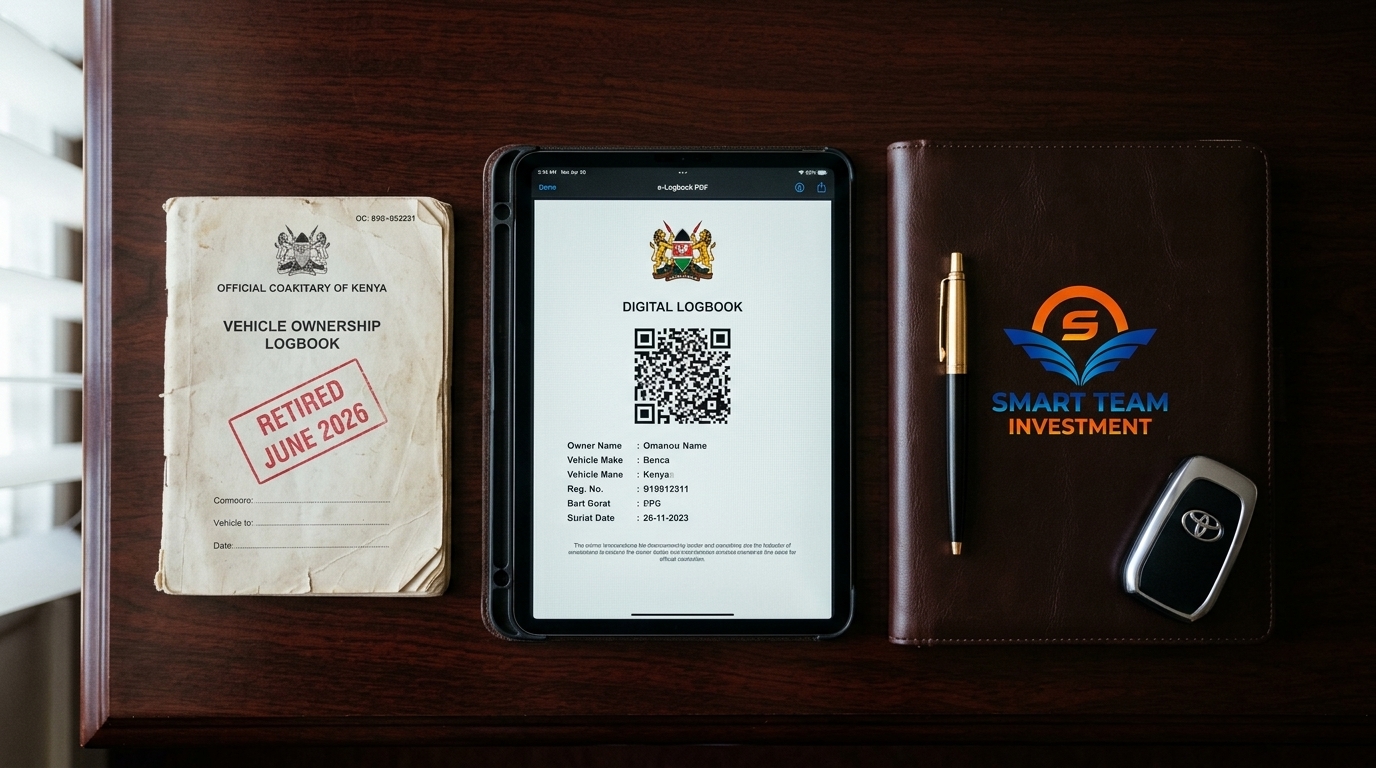
What you actually get: * The recognized record of ownership is the digital e-Logbook — a PDF with an active QR code downloadable from your NTSA account. * The old paper booklet is no longer the instrument of transfer. If a seller insists on "the physical book being transferred," that is a warning sign the process is not happening digitally.
What about the physical booklet? * NTSA has moved registrations to the digital record. A seller handing over a paper book while no digital transfer exists has handed you documentation that NTSA does not recognize as ownership. * Some units still carry an older-style physical book as an historical record, but the authoritative change of ownership is the digital transfer.
> ⚠️ The rule that saves buyers: never accept a "completed" sale without seeing the vehicle returned to YOUR name in YOUR NTSA account. Anything less is a handshake pretending to be ownership.
> 💡 Related Reading: The verification habits that protect this final step — How to Avoid Logbook Scams in Kenya and our NTSA eCitizen Verification tool.
Frequently Asked Questions (NTSA eCitizen Transfer)
NTSA does not publish a service-level guarantee, so treat any fixed number with caution. In practice the digital logbook updates on the buyer's account within roughly three working days of both parties completing their steps. What reliably resets that clock is a rejection — mismatched names, an ID number that does not match the logbook, or a seller who cannot access their own account. Check both the names and the ID numbers on the logbook against each party's eCitizen profile before the seller clicks initiate, because that check is what separates a same-week transfer from a multi-week one.
The statutory charge is the second-hand motor vehicle purchase tax, set by engine capacity in the Second-hand Motor Vehicles Purchase Tax Act. On TIMS the transfer fee runs from about KSh 2,210 for an engine up to 1,000cc to about KSh 6,465 over 3,000cc, plus a KSh 750 e-sticker fee on every transfer. TIMS displays the exact figure for your engine capacity at the payment step, and the buyer pays it by M-PESA to NTSA paybill 206206 once the seller has initiated and you have accepted. Agent "processing" fees on top of the NTSA charge are optional — get the official fee in writing before you pay anyone extra.
No. Since the transition to digital e-Logbooks, the physical paper booklet is no longer the instrument NTSA recognizes for transfer. The seller must present the official digital e-Logbook PDF (with the active QR code) or their NTSA Copy of Records, and the transfer completes entirely online — a paper-only seller cannot genuinely initiate the TIMS transfer.
Both parties work on eCitizen. The seller signs in, opens the NTSA Service Portal (New), selects the vehicle, then goes to Motor Vehicle Services > Vehicle Transfer > Apply. The seller uploads the logbook and enters the buyer's ID or KRA PIN. The buyer then gets a notification, opens NTSA Services, reviews the pending transfer and accepts it. Neither party can complete the transfer alone, and it cannot be initiated by anyone other than the registered owner.
The transfer can only be initiated by the person whose details are on the Copy of Records. If the seller cannot log into that account, or refuses to, the transfer is blocked regardless of signed agreements — which is exactly the profile of clone-logbook and stolen-vehicle sales. Treat an "owner who can't log in" as a walk-away trigger, not a negotiation.
Always confirm the current requirements on the official NTSA portal before you pay anyone, and keep the payment receipt.
The Godfather Offer: Free TIMS Transfer & Logbook Audit
Before you pay the deposit, the balance, or any "transfer fee," make sure the ownership handover can actually complete — that the seller holds the digital title on their own NTSA account, that no lien is pending, and that the payer-side step is buttoned up.
We are offering a 100% Free 1-on-1 TIMS Transfer & Logbook Audit via WhatsApp:
1. Owner-of-Record Check: We verify (via public NTSA tools) the vehicle's registered owner matches the seller's identity. 2. Lien / MPSR Flag Check: We confirm no bank, SACCO, or microfinance encumbrance sits on the chassis. 3. Transfer Path Review: We walk you through the exact seller-initiate / buyer-accept steps and fee schedule so no add-on surprises you.
📱 How to Claim Your Free Audit: Send "TRANSFER CHECK" with the registration number or the logbook / chassis details to +254 790 406903 on WhatsApp.
*Message Format: "Habari! Requesting a TIMS Transfer & Logbook Audit for [Reg No / Chassis]".*
*Also review our related buyer protection guides: How to Avoid Logbook Scams in Kenya and How to Buy a Car from a Kenyan Broker Without Getting Scammed.*
P.S. (TL;DR)
Here is the complete summary before you hand anyone cash for a car:
- Ownership is digital: only an NTSA transfer on eCitizen in your name, visible in YOUR account, transfers the car.
- Signatures matter on both sides: the registered seller must initiate; the buyer must accept from their own account — neither can do the other's step.
- Accurate names beat speed: a mismatch between the CoR and the seller's account stalls the transfer for weeks.
- Fee = one published charge: any "urgent," "express," or "double" fee to a personal number is a red flag.
- Paper logbook ≠ ownership in 2026: the digital e-Logbook with a QR code is the record; a physical-book handover transfers nothing.
- Lien check first: verify no bank, SACCO, or MPSR encumbrance before payment — see How to Avoid Logbook Scams.
WhatsApp "TRANSFER CHECK" with the registration or chassis number to +254 790 406903 for a Free 1-on-1 TIMS Transfer & Logbook Audit — owner-of-record, lien flag, and transfer-path review — before a single shilling moves.
--- *Disclaimer: This guide is for educational purposes and does not constitute formal legal, taxation, or financial advice. NTSA eCitizen procedures, transfer fees, and approval timelines reflect 2026 Kenyan market conditions and may be revised by the National Transport and Safety Authority. Always rely on the official NTSA portal and receipts for any payment and verification.*
The NTSA eCitizen Transfer Readiness Checklist
The seller-side and buyer-side steps, in order, so your transfer is not held up at the NTSA counter.
What you will discover inside
- ✓What a digital e-Logbook transfer requires from the registered owner (they must do it themselves)
- ✓The documents NTSA screens before approving a transfer
- ✓Which NTSA service to use on eCitizen, and the order to click through it
- ✓The ID mismatch and name-mismatch issues that cause rejections
- ✓How long a clean transfer takes, and what to do if it stalls
Free Download: The NTSA eCitizen Transfer Readiness Checklist
100% free. Delivered instantly to your email and WhatsApp.